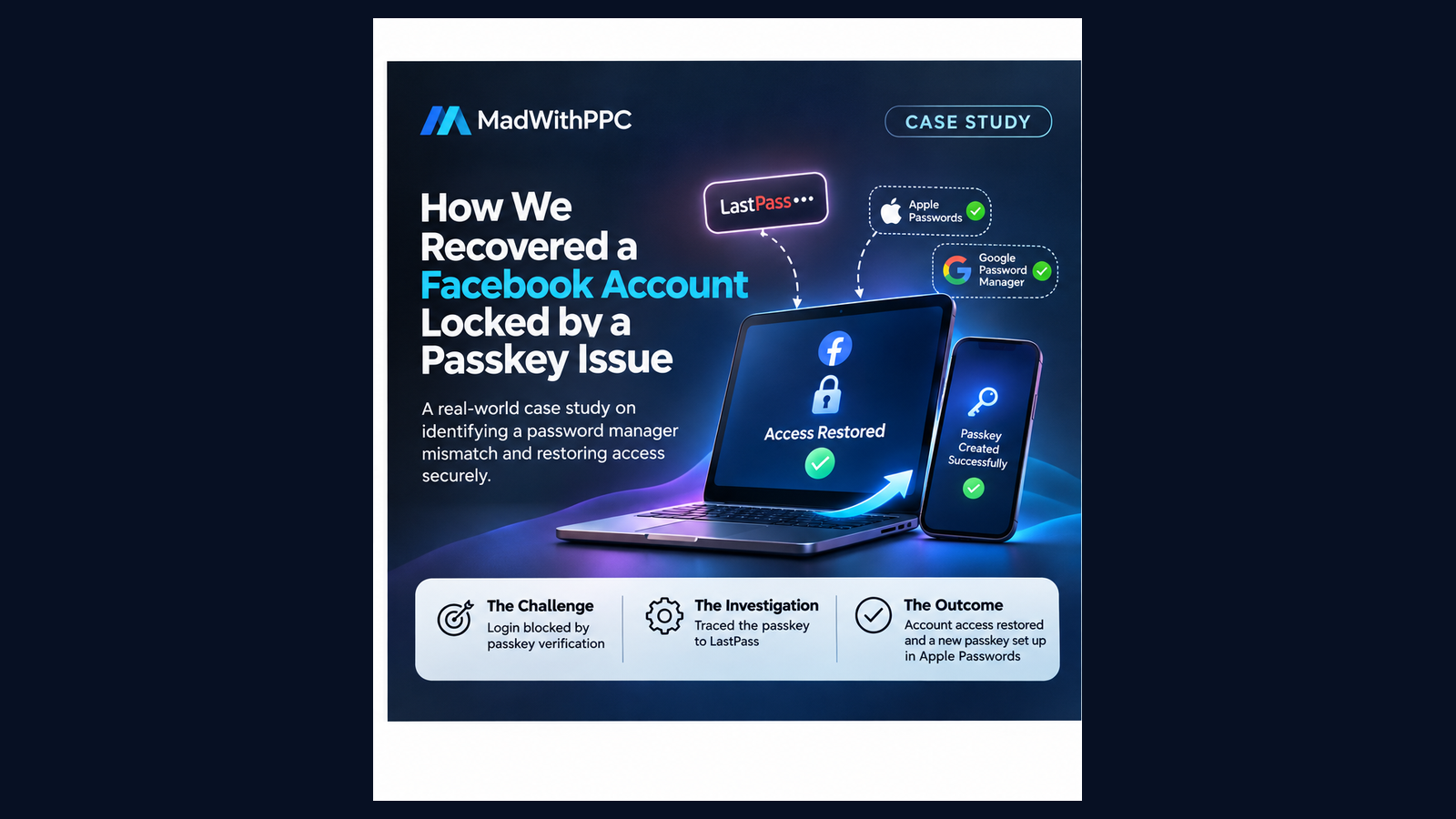
How identifying a password manager mismatch helped restore access to a Facebook account
Project Overview
| Particular | Details |
|---|---|
| Challenge | Facebook security checkpoint and login failure |
| Platform | Facebook / Meta |
| Devices involved | iPhone, Mac and Windows PC |
| Authentication methods | Passkey, Apple Passwords, Google Password Manager and LastPass |
| Primary issue | Existing passkey was stored in a third-party password manager |
| Outcome | Successful login recovery and creation of a new passkey in Apple Passwords |
1. The Challenge
A Facebook account owner was unable to access their account despite having the correct password and access to their registered email address and mobile number.
Facebook repeatedly displayed a security checkpoint requesting passkey authentication.
The available verification options were limited:
-
Passkey authentication was mandatory.
-
WhatsApp verification was unavailable.
-
The Mac could not locate the required passkey.
-
The iPhone reported that no matching passkey was available in Google Password Manager.
Repeated login attempts led back to the same checkpoint.
The account owner initially suspected a password or Facebook account issue.
However, the underlying problem was related to how the passkey had been stored and accessed across devices.
2. Investigation and Troubleshooting
We approached the problem systematically instead of repeatedly resetting passwords.
Stage 1: Identifying the authentication issue
We established that:
-
The Facebook password was saved in Apple Passwords.
-
The expected Meta passkey was not available in Apple Passwords.
-
Google Password Manager also did not contain the required credential.
-
iCloud Keychain synchronisation was enabled.
This indicated that the problem was not simply an iCloud synchronisation setting.
Stage 2: Investigating cross-device authentication
We attempted passkey authentication between the Mac and iPhone using QR-code verification.
However, the iPhone reported that no matching passkey was available.
This helped eliminate the assumption that QR authentication alone would resolve the issue.
Stage 3: Finding the missing credential
A friend successfully accessed the Facebook account using a working passkey.
This was the turning point.
By examining the account’s Passkeys section in Meta Accounts Centre, we identified that the existing Facebook passkey was associated with LastPass, rather than Apple Passwords or Google Password Manager.
This explained why the other devices could not locate the credential in their respective password managers.
Stage 4: Establishing independent access
Using the existing authenticated Windows session, we worked towards creating a separate passkey for the account owner.
The new passkey was successfully created and saved in the account owner’s Apple Passwords environment.
This removed the dependency on the friend’s LastPass vault for future authentication.
3. The Outcome
The account owner successfully established their own Facebook passkey in Apple Passwords.
The key outcome was identifying the actual location of the working credential and establishing an independent authentication method.
| Before | After |
|---|---|
| Facebook security checkpoint loop | Account access restored |
| Passkey unavailable on personal devices | Personal Apple Passwords passkey established |
| Existing passkey dependent on friend’s LastPass | Independent authentication method created |
| Multiple unsuccessful login attempts | Successful recovery |
4. Key Learnings
This experience highlights five important lessons for businesses and digital marketers.
1. Passwords and passkeys are not the same
Having a Facebook password saved does not mean the corresponding passkey is available.
2. Know where your passkeys are stored
Apple Passwords, Google Password Manager and LastPass are separate credential environments. A passkey stored in one is not automatically available in another.
3. Cross-device authentication requires the correct credential
Scanning a QR code cannot solve a missing or inaccessible passkey.
4. Business asset access needs redundancy
Having another trusted administrator for Facebook Business assets can help maintain operational continuity during a personal account recovery.
5. Account security deserves regular attention
Businesses should periodically review administrator permissions, authentication methods, recovery details and active sessions.
5. Recommendations for Businesses
We recommend that businesses:
-
Maintain at least two trusted administrators for critical business assets.
-
Use individually controlled password managers.
-
Set up and test more than one supported authentication method.
-
Keep recovery email addresses and phone numbers current.
-
Review Facebook Business Portfolio and advertising account permissions.
-
Maintain a documented account recovery procedure.
Conclusion
A seemingly straightforward Facebook login problem turned into a deeper authentication investigation involving multiple devices, password managers and passkey configurations.
The breakthrough did not come from repeatedly resetting the password.
It came from identifying where the existing passkey was stored and establishing an independent authentication method.
The biggest lesson: Don’t wait until you lose access to your digital assets before building a recovery plan.